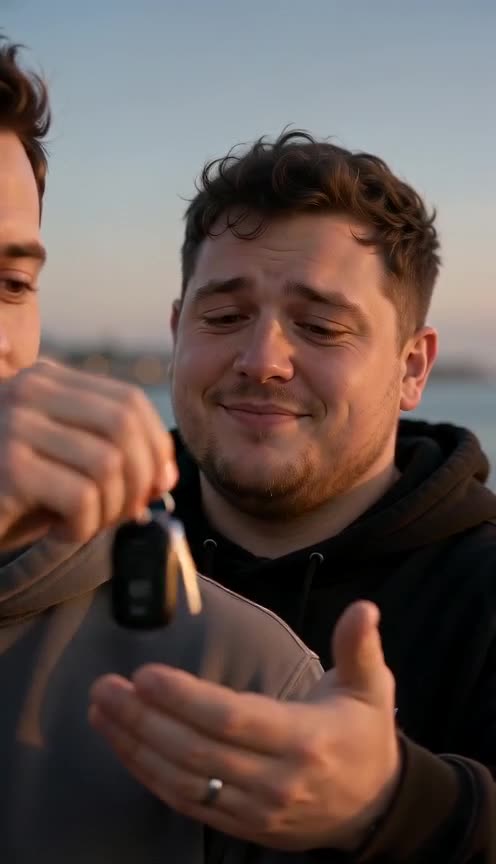
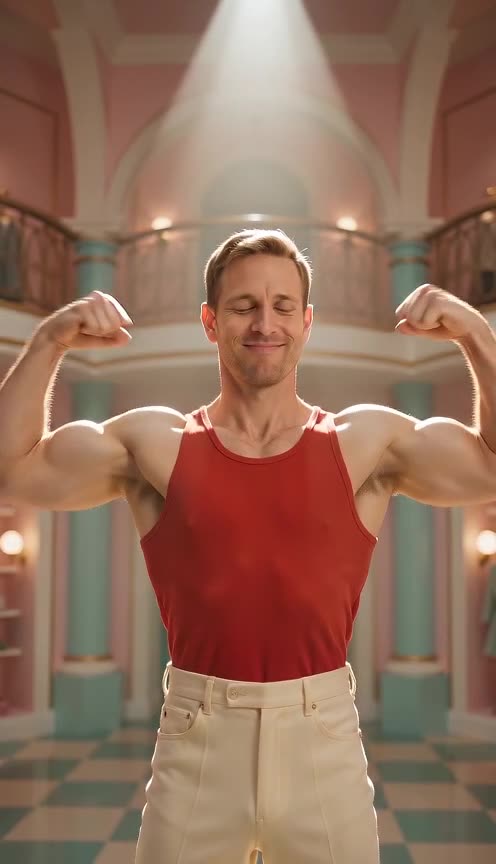
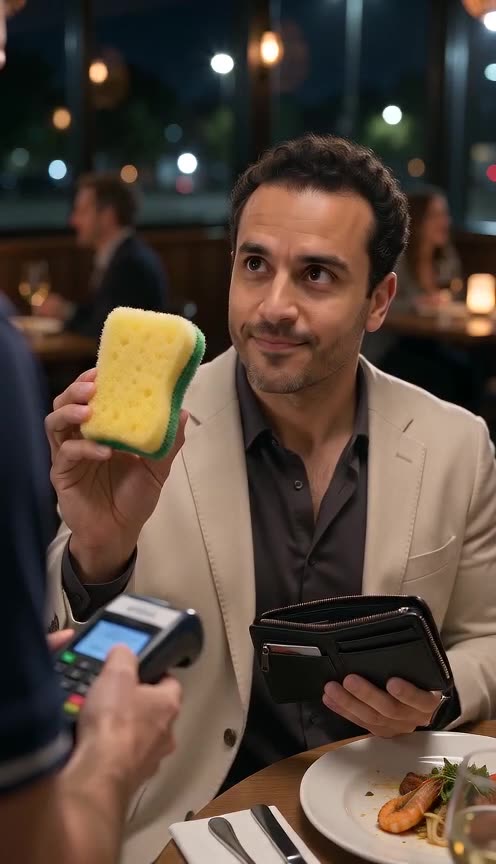
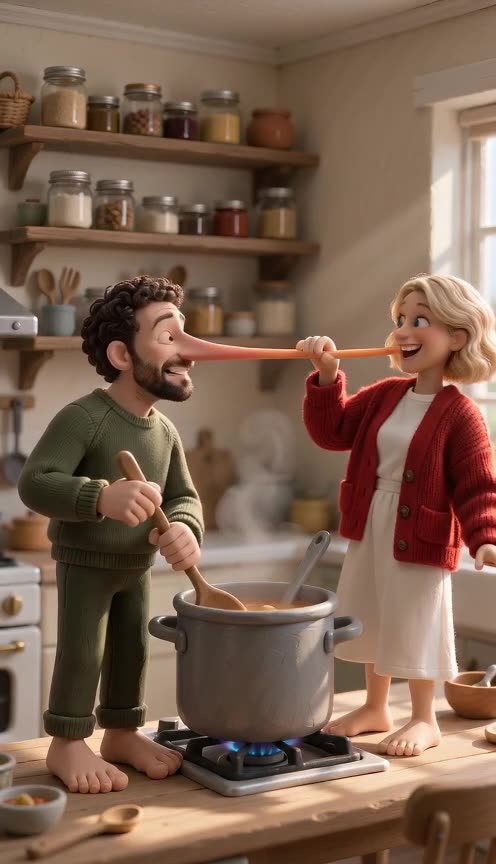
An I Wanna Love You AI pet video is a 14 second selfie lip-sync in which your dog, cat or you serenade the camera, bend all the way back to belt the chorus, give a sly look and wave. You upload one photo and the AI builds the clip, with the song, in a few minutes.
- A single photo is the whole brief: the serenade is already choreographed, so you never write a prompt or cut a clip.
- The mouth follows the song line by line, and the place where your photo was taken becomes the set.
- Cats, dogs and adults who agreed all work; famous faces and minors do not.
What is the I Wanna Love You AI pet video?
It is a selfie lip-sync played for laughs. Someone films themselves singing straight into the front camera, lifts the camera higher while bending all the way back to belt the chorus up into the lens, then swings back up and waves. The over-the-top commitment is the joke, and it is funnier on a dog. Wikipedia defines lip sync as matching a singing person’s lip movements with sung vocals, which is exactly the trick here, except the singer is a photo. This site makes one from a single ordinary picture of your pet or of you, as a new vertical 14 second video set in the place where the photo was taken. We cannot point to who started the trend, and this site is independent of the song’s artists and label.
- 1The serenadeClose to the lens, head swaying, eyebrows up
- 2The liftThe camera goes up and the lean-back begins
- 3The beltBent all the way back, chorus aimed at the lens
- 4The sly look and waveA smouldering glance, then a wave goodbye
How does an AI make a pet lip-sync a song?
It is given the song as a reference and told which line falls where. The routine is written beat by beat, and each beat names the lyric sung in it, so the mouth opens wide on the long belts and stays closed on every breath and every quiet moment. A pet sings with its own mouth, with real teeth and a tongue and no human lips, and gets extra expression: adoring eyes on the serenade, a smug look on the quiet beat. In our tests the model’s own generated sound made the mouth ignore the shape of the song, while a silent render that followed the song reference opened on the belt and closed on the pause. So the picture is made without sound and the song excerpt is laid over the finished video afterwards.
- Your photoFace or fur, markings, clothes and the place behind them
- A fixed selfie routineFour beats, each tied to a line of the song
- The song referenceTells the mouth when to open and when to close
- The video modelByteDance Seedance, reached through the Kie.ai platform
- The finished videoThe song excerpt is laid over the silent picture
How do you make a pet video from one photo?
Add one clear photo, choose a quality, tick the permission box and press Generate. You sign in and pay only at that step, and the price in credits is already on the button. Credits are taken once and return to your balance if the render fails or the provider refuses the photo, and only one render per account can run at a time. You can close the tab, because the finished MP4 waits in My videos for 30 days. The photo does two jobs: it supplies the face or fur and the markings, and its background becomes the set, so pick a place where you would plausibly film a selfie, such as a sofa or a garden. Each side of the photo needs to be a little over 300 pixels, and the face should be fully visible, facing the camera, in good light.
- 1Add one clear photo
One subject, face visible, in a place that suits a selfie.
- 2Choose a quality
480p to test, 720p for the video you will post.
- 3Tick the permission box
Your photo, your pet or an adult who agreed, 18 or older.
- 4Generate
The routine is built in, so there is nothing to type.
- 5Download
A vertical MP4 appears on the page and in My videos.
A pet
Funnier, a little stranger
- Sings with its own mouth and tongue
- Holds the selfie camera with a paw
- Gets extra expression on every beat
A person
Closer to the original joke
- Holds the camera at arm’s length
- Keeps their own face, hair and clothes
- Needs a clear, front-facing photo
What does it cost, and how long does it take?
Every video is 14 seconds and vertical, so the only choice is quality. At 480p it costs 40 credits and at 720p 100, which means the sharper version is the one a single 100-credit pack at $6.99 buys, while 480p costs less than half as much. We measured our renders on the same Seedance model the site uses: they took between 1.7 and 2.8 minutes at 480p and between 2.4 and 3.5 minutes at 720p, and the page shows an estimate of three to four minutes before you pay. If you are unsure about a photo, spend 40 credits on a test at 480p first and keep the 720p render for the take you will post. A failed render costs nothing, so a refused photo or a provider error never leaves you out of pocket.
Why does my pet look different, and how do you fix it?
Most differences start with the photo, so change the photo before anything else. A face that is turned away, half hidden or lost in shadow gives the model little to hold, and so do filters, masks, sunglasses and motion blur. For a pet, a sharp picture that shows the eyes, the nose and the markings does the most, because the markings are what make a cat look like your cat. Animal faces and bodies move differently from human ones, so some takes look charming and some look odd, and every render is different. Faces and fur follow your photo closely but never perfectly, so watch the whole clip before you post it. In our tests an adult’s face and pets passed the provider’s safety check, and photos that are too small are refused before anything is charged.
| What you see | Likely cause | What to do |
|---|---|---|
| The mouth looks off on a line | The face is small, turned or half hidden | Use a face-on photo with the eyes and nose visible |
| The pet does not look like mine | Markings lost in shadow or a filter | Use even light and a sharp, close photo |
| The photo is refused | Under about 300 pixels, or too wide or tall | Use a larger single-subject photo; credits return on their own |
| The take looks strange | Animal bodies move differently | Render again; no two takes match |
Can you post your pet’s video, and under what rules?
Yes, for personal use, as long as you label it AI and the photo is your own. Use a photo of yourself, your pet or an adult who clearly agreed. Photos of minors, celebrities and other public figures are not allowed. Meta labels AI-generated content so viewers can tell, and a short caption saying so does the same on any feed. The song remains subject to the rights of its owners, so a platform may mute, claim or remove a video that contains it, and a sound from the platform’s own library is the usual replacement. Keep the file name ai-generated if you pass it on, and do not present the clip as the artist’s own video. For more formats, browse all trends or the zombie love story video, and check credit packs before you plan a batch.
- 1Your own photoOr an adult who clearly agreed
- 2Watch it twiceThe mouth, the paws, the final wave
- 3Label it AIA caption or the platform label
- 4Check the soundSwap the song if the platform mutes it
Where do these facts come from?
- Lip sync, Wikipedia. What lip sync means: matching lip movements to sung or spoken vocals.
- Labeling AI-Generated Images on Facebook, Instagram and Threads, Meta. Why a large platform labels AI-generated content, and how it detects it.
- Seedance, ByteDance Seed. The video model family the renders on this site are made with.
Make your pet’s serenade
Add one photo, choose a quality and see the price in credits before you generate. A failed render returns its credits automatically.
Make yours