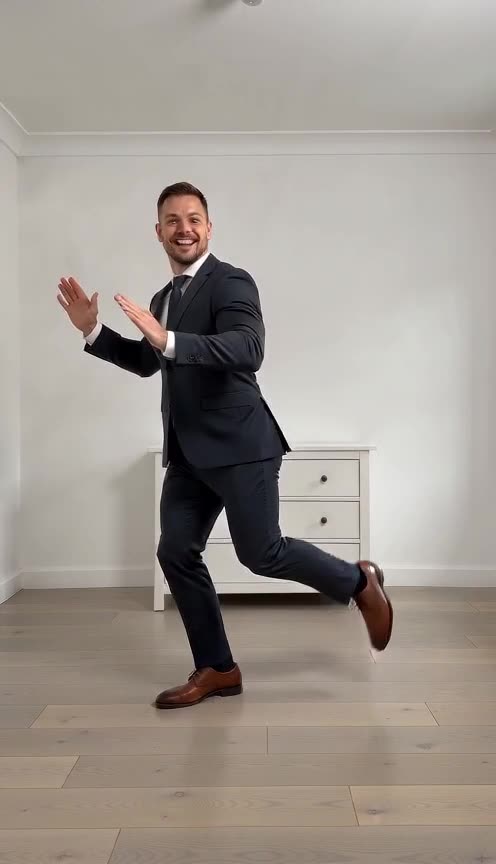
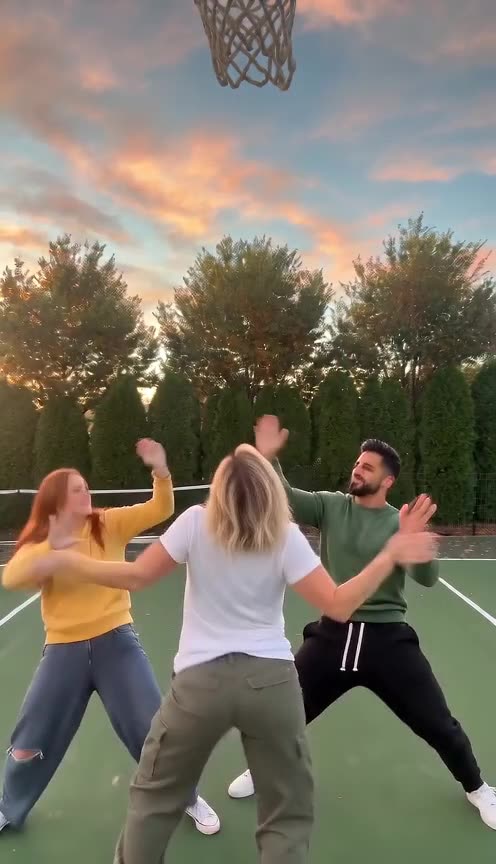
Home › Trends › KDA Firestarter AI Dance
Live💃 Dance1 photo12 s

KDA Firestarter AI Dance Generator

Upload one avatar and make it dance the Kai’Sa FIRESTARTER moves on a neon stage: voguing hand frames, three hits on the beat drop, a fast turn and a fierce finish.

What is it? Scroll for the guide ↓

TL;DR KDA Firestarter AI Dance. Upload one avatar and make it dance to the Kai’Sa FIRESTARTER moves: voguing hand frames, sharp poses, the “Beat Drop Beat Beat Drop” hits, a fast turn and a fierce finish. No prompts, no editing.

Added Oct 22, 2026Guide updated Oct 23, 2026Made by our team, test-rendered
🔥
Post it now. Still spreading, so most people get the reference without a caption.
Just youWith sound
Neon stage, 9:16 · 12 s · 720p

Made with this template. Sample clip made from a synthetic avatar, shown without the song. Your video starts from your own avatar, so it will not match this one exactly.

1 photo in→12 s video out
‹
📖Guide
from50 credits

You get

  • A 12 s vertical video with sound, 480p or 720p and no watermark
  • Your face (or your pet) rebuilt inside a scene the AI invents
  • A clip that is saved in My videos, ready to download

Fixed by the template

  • The scene, the motion and the music follow the trend
  • The story is set; you choose the length and quality
  • The AI invents the details around you

Not included

  • Original footage or creator faces
  • A perfect likeness: resemblance is likely, never exact
  • Photos of minors or of public figures

How to make KDA Firestarter AI Dance

1

Bring your own look

A clear face and good lighting. Upload an avatar of an adult who agreed, or of an original character you have the rights to use. A full-body photo keeps your own clothes.

2

Let the template lead

Choose 9:16 or 21:9 and 480p or 720p. The Firestarter dance template is built in, so there is no prompt to write and no timeline to edit.

3

Make it your moment

Your 12 second dance with the song is ready in about four to five minutes. Download the MP4 and post it on TikTok, Reels or Shorts.

Guide · updated · 5 min read

The K/DA Firestarter dance is the routine fans link to Kai’Sa’s solo in K/DA’s FIRESTARTER: voguing hand frames, frozen poses on the “Beat Drop Beat Beat Drop” hits and a fierce finish. An AI version starts from one avatar and gives you a 12 second video with the song in about five minutes.

  • One avatar, a built-in routine and a song excerpt added afterwards are the whole job: nothing to write and nothing to learn.
  • The moves, camera and stage come from a reference clip we hold, while your photo supplies only the face, the hair and the clothes.
  • Bring a real adult who agreed or a character you own, leave famous characters out, and call the finished video AI.

What is the K/DA Firestarter dance trend?

It is a short-form video trend built around the dance fans associate with Kai’Sa’s solo in K/DA’s FIRESTARTER, a music video tied to Riot Games’ League of Legends. People talk about its voguing hand frames, its sharp frozen poses, a dramatic dip, and the line “Beat Drop Beat Beat Drop” that the poses land on. Creators use it as a transformation hook: a still photo for the first second, then the dance kicks in, usually in a tall frame made for a phone feed. We cannot point to one origin of the trend and we have not verified view counts or a start date, so we do not quote any. K/DA, Kai’Sa and FIRESTARTER belong to their owners, and this site is an independent tool that copies no footage from the music video.

  1. 1The entranceStepping out of the dark into a spotlight
  2. 2The voguing framesWrists crossing, a new pose on every beat
  3. 3The beat dropThree sharp frozen hits on the sung line
  4. 4The turn and finishA fast spin, a close-up and a last freeze
The beats every Firestarter dance video from this template shares.
One of our own renders: 12 seconds at 720p from an AI-generated portrait. Shown without the song.

Why do voguing poses suit an AI dance video?

Voguing is built from held poses, and held poses are easy for a video model to keep consistent. Wikipedia describes it as a highly stylized modern house dance from the late 1980s that grew out of the Harlem ballroom scene, inspired by the poses of fashion models. Arm and leg movements are angular and rigid, and they snap quickly from one static position to the next. That rhythm helps an AI render in two ways. A pose that holds for a beat gives the face time to settle, and sharp geometric arm lines are easy to read on a phone screen. The weak spots are the transitions: crossing wrists, fast spins and tight close-ups are where AI motion varies most, so a clean, sharp photo matters more here than in a slow scene.

Voguing traitWhat you seeEffect on an AI render
Held posesFrozen hits on the beatGives the face time to settle
Angular arm linesHand frames and crossed wristsEasy to read, but hands can blur
Fast transitionsSpins and side kicksWhere motion varies most
Face close-upsTight shots between the posesShow likeness, and any drift
What voguing asks of a render.

How do you make a Firestarter dance video from one photo?

Add one avatar, choose a frame and a quality, tick the permission box and press Generate. You sign in and pay only at that step, and the price in credits is already on the button. The credits are taken once and go back to your balance if the render fails or the provider refuses the photo. Only one render per account can run at a time, and you can close the tab: the finished MP4 waits in My videos for 30 days. The avatar can be a full-body photo, which keeps your own clothes and proportions, or a headshot, which the AI extends naturally into a full body in plain clothes. Original character art works too if you have the rights to use it. In our tests a 12 second render at 720p took about four and a half minutes.

  1. 1
    Add your avatar

    One adult who agreed, or an original character you own.

  2. 2
    Choose the frame

    9:16 for a phone, 21:9 for an ultrawide picture.

  3. 3
    Choose the quality

    480p to test, 720p for the video you will post.

  4. 4
    Tick the permission box

    You may animate this avatar, and nobody is a celebrity.

  5. 5
    Generate and download

    The MP4 comes with the song excerpt already added.

A full-body photo

Keeps your own look

  • Your clothes and proportions carry over
  • Feet and hands are already in frame
  • Best for the wide shots
Which kind of photo to start from.

Which frame and quality should you pick?

Pick 9:16 for a phone feed, 21:9 when you want a cinematic wide shot, and test at 480p before you spend on 720p. The dance is always 12 seconds. At 480p it costs 50 credits and at 720p 100, and both frames cost the same, so the choice is about the shape, not the price. In the tall frame the dancer fills the screen head to toe. In the ultrawide frame the dancer stays in the centre with empty stage on both sides, so kicks and arm sweeps stay inside the picture. The frame is fixed before the render starts, so changing your mind means a new render. A 100-credit pack costs $6.99, which buys exactly one 720p video, or two renders at 480p to check a photo before you commit.

Test at 480p firstStraight to 720p
After the first render
50 credits100 credits
After one redo at 720p
150 credits200 credits
Total credits spent, with and without a 480p test first.

How does the song get into the video?

The video model makes the picture only, and the song is laid over the finished clip afterwards. That is why our example clips on this page play without sound: the picture is generated silently from a reference clip that supplies the choreography, the camera rhythm and the stage, and then a 12 second excerpt of the song is added so that the three hits land on the beat drop. We rendered the two examples from one AI-generated portrait, 12 seconds at 720p, one tall and one ultrawide, for 100 credits each. The song remains subject to the rights of its owners and is for personal sharing only. A platform may mute, claim or remove a video that contains it, and in that case a sound from the platform’s own library is the safe replacement.

  1. Your avatarThe face, hair and clothes of the dancer
  2. A silent reference clipChoreography, camera rhythm, stage and energy effects
  3. The video modelByteDance Seedance, reached through the Kie.ai platform
  4. The song excerptLaid over the finished picture, 12 seconds long
What goes into one render.
The same portrait in the 21:9 frame, with room on both sides. Shown without the song.

How do you share a Firestarter dance safely?

Animate only a photo you have permission to use, call the result AI, and keep it to personal sharing. Photos of minors, celebrities and other public figures are not allowed, and neither are characters or artwork owned by someone else, Kai’Sa included, so bring a real adult who agreed or an original character of your own. Meta labels AI-generated content so viewers can tell, and a short caption saying the video is AI generated does the same on any feed. Keep the file name ai-generated if you pass the clip on, and do not present it as official K/DA material. Review the whole clip first, because fast turns and hand frames can come out slightly different from what you pictured. For other formats, browse all trends or the Bulin 47 freestyle, and compare credit packs before you plan several videos.

  1. 1Permission firstAn adult who agreed, or your own character
  2. 2Watch it twiceHands, the spin and the final freeze
  3. 3Label it AIA caption or the platform label
  4. 4Check the soundSwap the song if the platform mutes it
A four-step check before you post.

Where do these facts come from?

  1. Vogue (dance), Wikipedia. The origin and the angular, pose-based movement of voguing.
  2. Labeling AI-Generated Images on Facebook, Instagram and Threads, Meta. Why a large platform labels AI-generated content, and how it detects it.
  3. Seedance, ByteDance Seed. The video model family the renders on this site are made with.

Make your Firestarter dance

Add one avatar, choose a frame and see the price in credits before you generate. A failed render returns its credits automatically.

Make yours
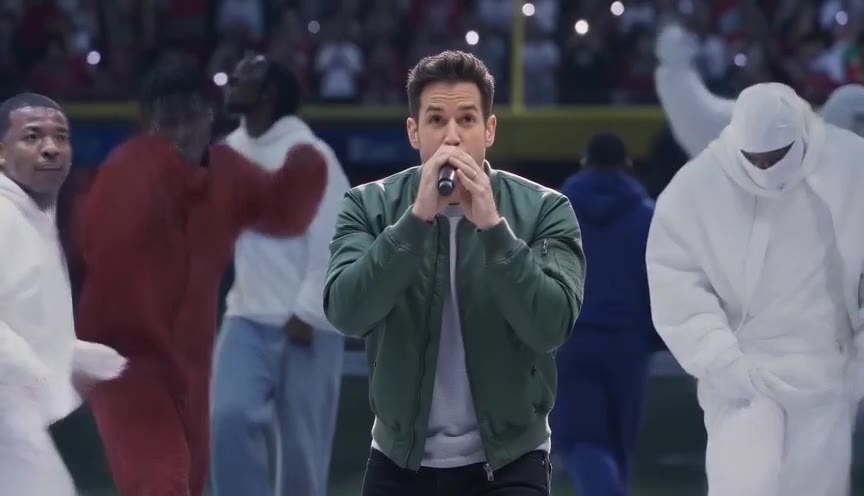
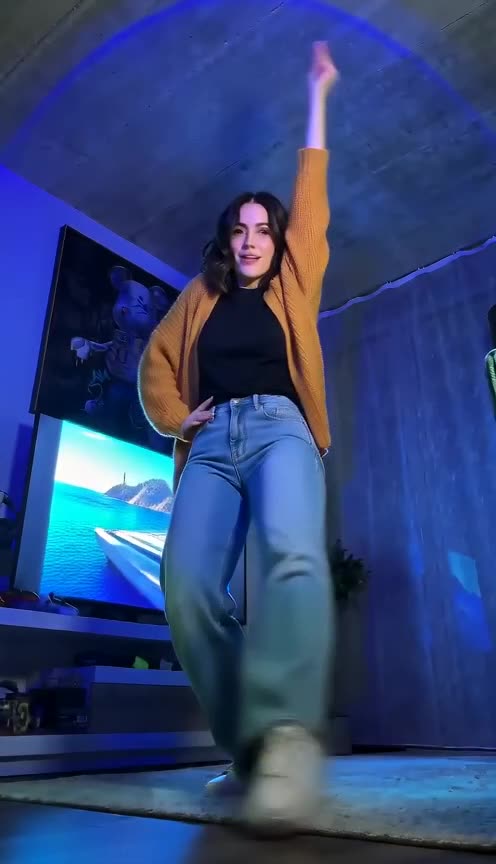
Questions

What is KDA Firestarter AI Dance?

The Firestarter dance is the K/DA FIRESTARTER routine that fans know for its voguing hand frames, sharp poses, the “Beat Drop Beat Beat Drop” hits and a dramatic dip. Kai’Sa’s solo is the inspiration for this template. This tool brings that starting point to an avatar-to-video workflow. You pick an avatar, a frame and a quality, and the AI generates a new 12 second dance video around your subject. Your avatar supplies the face and identity; a built-in neon-stage reference supplies the moves, camera and effects. No footage from the music video is copied into your video.

Do I have to be able to dance?

No. The moves come from a built-in reference clip, not from you, so your photo only has to show a face. A relaxed, front-facing expression suits the calm and fierce look that the routine is written around.

Why is the dancer’s mouth mostly closed?

This is a dance, not a lip-sync. The template keeps the expression calm and opens the mouth only on the sung line, which also gives the model fewer chances to bend the face from one frame to the next.

What happens if I pick 21:9 and my photo is tall?

The AI redraws the whole scene for the wide frame, so the shape of your photo does not have to match it. The photo is used as an identity reference, and the dancer is placed in the middle with empty stage on both sides.

Is this the “Beat Drop Beat Beat Drop” dance?

It is built around that moment: the template hits three sharp poses on the beat drop. It follows the spirit of Kai’Sa’s solo, sometimes discussed as the voguing and dip sequence, rather than copying every part of the full choreography.

Is this an official K/DA or Riot Games product?

No. This site is an independent tool. It is not affiliated with or endorsed by Riot Games, K/DA or the artists behind FIRESTARTER.

Should I choose 9:16 or 21:9?

Choose 9:16 for a tall frame that fills a phone screen, or 21:9 for an ultrawide frame with more room beside the dancer. They are shapes, not quality levels, and both cost the same credits. Pick before you generate, because changing the frame means a new render.

Does the video include the original song?

Yes. A 12 second excerpt of the song is added to your finished dance, for personal sharing only. The song remains subject to the rights of its owners, and the picture itself is AI generated with no footage from the music video. For any commercial use, replace the sound with music you have the right to use.

Will the result match every move?

No. AI motion can vary, especially during fast turns, quick hand frames and close-ups. Faces and clothes follow your photo closely, but small differences are normal. Review the whole clip before you post it, and try a clearer photo if the first one is off.

Can I use someone else’s photo or a game character?

Only use photos of yourself, original characters you have the rights to use, or adults who agreed to be in the video. Photos of minors, celebrities and other public figures are not allowed, and neither are characters or artwork owned by someone else, including Kai’Sa.

Can I post it on TikTok, Reels or Shorts?

Yes, for personal, non-commercial use. Label it as AI generated when you share it. The song is copyrighted music: a platform may mute, claim or remove a video that contains it. If a platform mutes the sound, pick a sound from that platform’s own library instead.

How much does it cost?

You buy credits: 100 credits for $6.99, 300 credits for $17.99, 1000 credits for $46.99. What a video costs depends on the trend, its length and its quality: for KDA Firestarter AI Dance, 12 seconds is 50 credits at 480p or 100 at 720p. It is a one-time purchase, not a subscription, and credits never expire. They work on every trend.

Is there a free version?

No. Every video uses real GPU time, so videos are paid with credits. If a video fails to render, the credits are returned automatically.

What if my video fails?

If a render fails or the photos are rejected by the AI safety filter, the credits for that video go back to your balance automatically.

Are failed renders refunded as money?

A failed render returns its credits to your balance automatically, so you can try again. Credits are not cash. A credit pack can be refunded in full within 7 days of purchase if none of its credits have been used. See the Refund Policy.

Can I use someone else's photo?

Only use photos of yourself or of adults who agreed to be in the video. Photos of minors, celebrities and other public figures are not allowed. You confirm this before every render. The full list is in the Acceptable Use Policy.

How long do you keep my photos and videos?

Uploaded photos are deleted automatically after 7 days and finished videos after 30 days. Your photos are sent to our AI video provider only to make your video, and we do not use them to train AI models. Details are in the Privacy Policy.

Can I upload a reference video or copy a specific TikTok video?

No. Each trend works from your photos and a fixed, tested template. You choose the trend, the length and the format, but you cannot upload a reference video or change the shots and their timing. If you need an exact copy of one particular clip, this is not the right tool.

Can I use the video commercially?

The videos are for personal, non-commercial use, such as sharing with friends or posting on your own social accounts. Label them as AI generated when you share them.

Is this an official app?

No. Lulzly is an independent AI video tool. It is not affiliated with TikTok, CapCut, ByteDance or the creators of any trend.

More trends

See all →

Independent tool. Not affiliated with or endorsed by Riot Games, K/DA or the artists behind FIRESTARTER, and no footage from the music video is copied into your video. The song remains subject to the rights of its owners. Clips are labelled “AI-generated”.