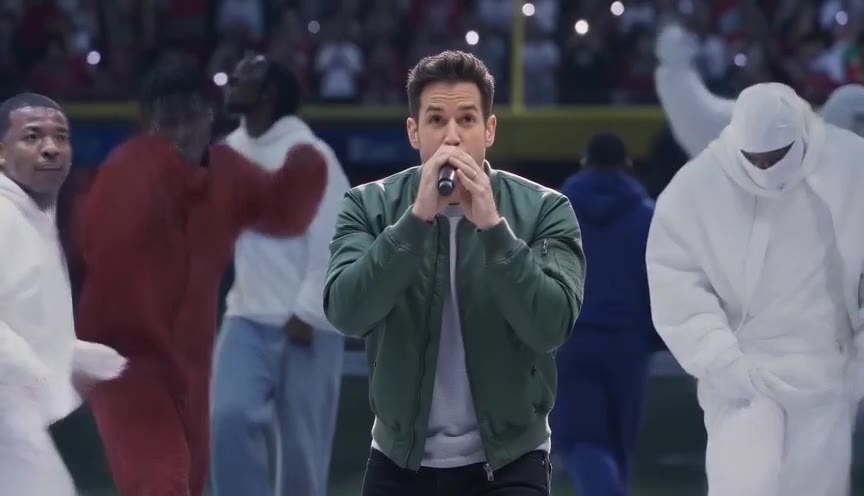
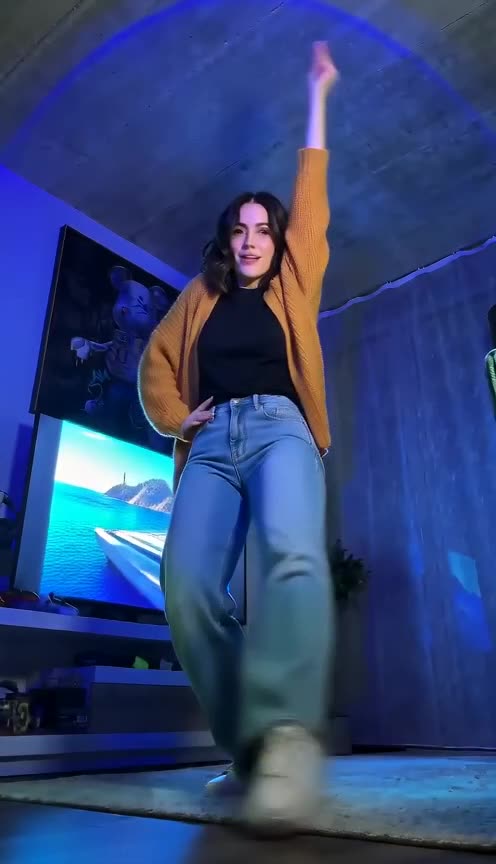
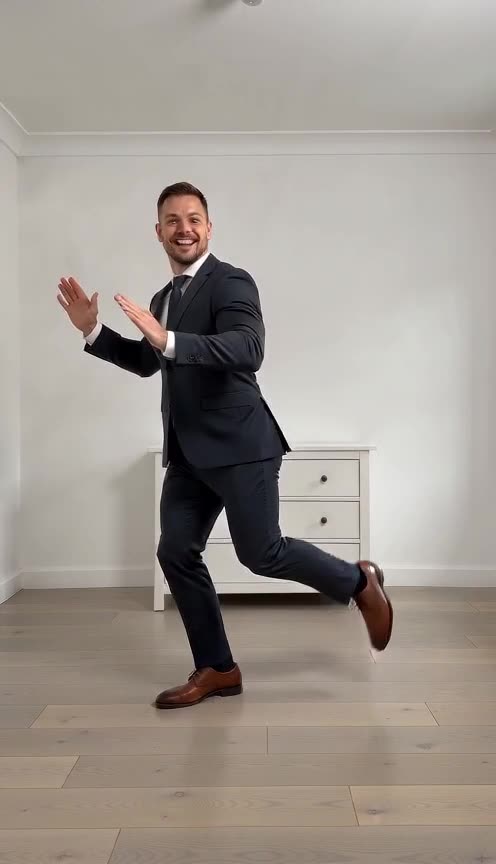
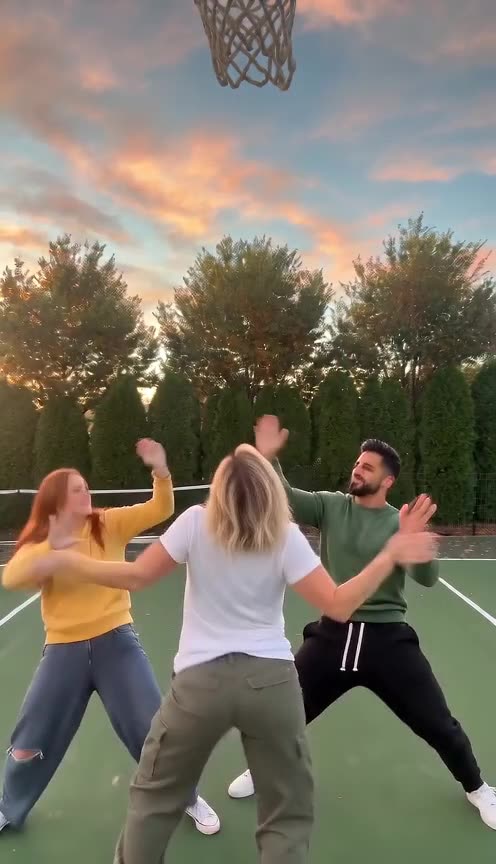
A Pick It Up AI video is a short generated clip in which you or your pet do the Pick It Up dance: one photo becomes a video of a bounce on the beat, both arms thrown overhead, a turn, a deep squat and a jump with hands up. You upload one photo and see the price first.
- One photo of an adult or a pet and one fixed dance, so you type nothing and the price in credits is on the button before you pay.
- The clip has its own generated beat and no trend song, so add the track you want inside the app you post from.
- No babies and no famous faces, and label the post as AI.
What is the Pick It Up Make It Jump dance?
It is a short TikTok-style dance that people also search for as Pick It Up Make It Jump. Template pages describe the moves like this: bounce on the beat, throw both arms over your head, turn your back to the camera, drop into a squat and spring up into a jump with hands raised. The pages disagree on where it began and on when, and we could not check the song behind it, so we state no creator, no date and no track. What this site makes is our own generated version for an adult or a pet, written from a description we wrote once, with no footage or music from any creator. Babies, which some sites offer, are left out here, because photos of anyone under 18 are not allowed.
- 1The bounceLoose and on the beat
- 2The armsBoth thrown overhead
- 3The turn and squatBack to the camera, low
- 4The jumpHands up, land facing us
What does a Pick It Up AI video look like?
It looks like a steady phone video in a plain, bright living room with bare light walls, filmed from chest height with the whole body in frame. The subject stands in the middle of the room facing the lens and dances in a four-beat rhythm: a bounce, both arms or front paws up for a beat, a turn to face the wall, a deep squat and a spring into the air that ends with a landing and a big grin. Every move is meant to land on a beat, and the sound is a steady clap and floor thump. Nothing in the room carries a logo or lettering. The room, the exact timing and the way a pet manages a squat are left to the model, so every render differs from the last one.
Written into every render
Stays the same
- A bounce, arms up, a turn, a squat and a jump
- A plain bright room with no logos or text
- One subject, kept faithful to your photo
Left to the model
Changes each time
- The shape of the room and the light
- The speed of each move and the jump height
- How a pet or a stiff pose reads as a dance
How do you turn one photo into a Pick It Up AI video?
Upload one clear photo, pick a length, a quality and a frame, tick the permission box and press Generate. The button already shows the price in credits, and you sign in and pay only at that step. The AI then writes a new video: the face or muzzle, the fur or skin tone and the build come from the photo, while the room and the dance come from a description we wrote once, so there is nothing for you to type. Credits are taken once and go back automatically if the render fails or the provider refuses the photo. Only one render per account can run at a time, and you can close the tab and collect the MP4 later in My videos. A photo in good light, facing the camera, with the whole body in view, gives the model the least to guess.
- 1Add one photo
You or your pet, facing the camera, the whole body in view if you can.
- 2Choose length and quality
The price updates as you choose.
- 3Pick the frame and tick the box
9:16 for TikTok, Reels and Shorts.
- 4Generate and download
The MP4 appears on the page and in My videos.
- Your photoOne face or muzzle, one outfit or coat
- A fixed descriptionThe room, the beat and the five dance steps
- The video modelByteDance Seedance, reached through the Kie.ai platform
- Generated soundClaps and floor thumps, with no song
How long should the Pick It Up video be, and what does it cost?
Choose 12 seconds if you want the whole dance from the first bounce to the landing, and 5 seconds for a quick take. The short clip costs 10 credits at 480p and 22 at 720p, and the 12 second clip costs 20 and 43. Credits are the one unit on this site, and a pack of 100 credits is $6.99, with larger packs costing less per credit. The page shows an estimated wait before you pay, about 2 to 5 minutes by length and quality, and you can leave while it runs. Our own test render at 12 seconds and 480p took 124 seconds, and the other lengths are estimates from our other Seedance trends. Try your photo at 480p first, then spend on sharpness. Compare every trend on the pricing page.
How do you post a Pick It Up AI video without misleading anyone?
Label it as AI, use only a photo of yourself, your pet or an adult who agreed, and keep it to personal use. A dancing dog is plainly a joke, but a video with a real face in it can still be passed around out of context, so say in the caption what it is. Photos of celebrities, public figures and minors are not allowed, and the permission box asks you to confirm it each time. Meta labels AI-generated content so viewers can tell, and a plain caption such as AI generated does the same on any feed. Choose the 9:16 frame for vertical platforms, and add the trend song inside the app you post from, under that platform’s rules. For another dance made from one photo, try Car Alarm Dance AI or browse all trends.
| Photo of | Allowed | Why |
|---|---|---|
| Yourself or an adult who agreed | Yes | The permission box covers it |
| Your pet | Yes | The dance is written for a person or a pet |
| A baby, a minor or a celebrity | No | Not allowed on this site |
Where do these facts come from?
- Labeling AI-Generated Images on Facebook, Instagram and Threads, Meta. Why a large platform labels AI-generated content, and how it detects it.
- Seedance, ByteDance Seed. The video model family the renders on this site are made with.
- Kie.ai API documentation, Kie.ai. The platform through which we call the video model.
Make your Pick It Up video
Add one photo, pick a length and see the price in credits before you generate. A failed render returns its credits automatically.
Make yours