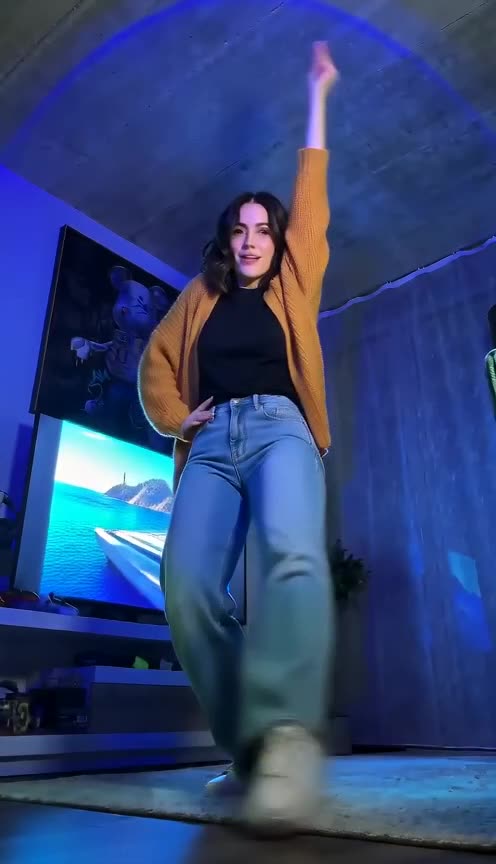
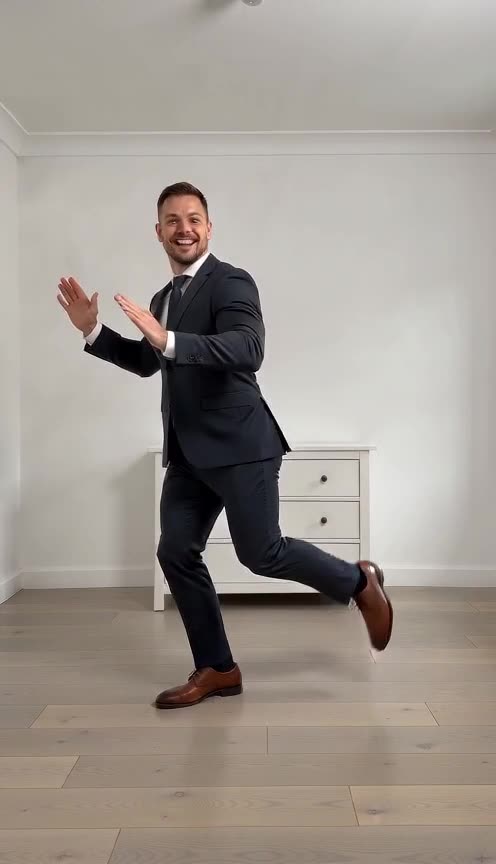
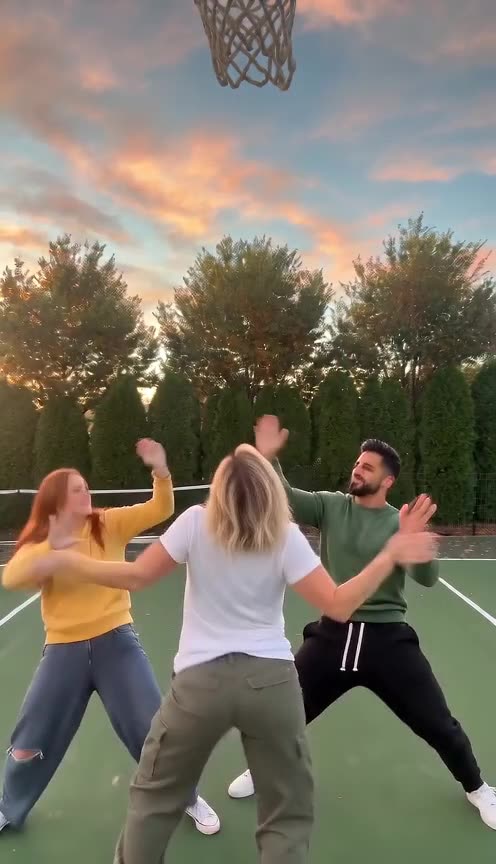
An iPhone kupi dance AI video is a short generated clip in which the person in your photo dances in a hotel room, flips a foldable phone open toward the camera and tosses it up to a catchy beat. You upload one clear photo, pick a length, and the AI builds a new video with sound in minutes.
- The job is one photo and one fixed scene, so you type nothing, and the price in credits sits on the button before you pay.
- The groove, the room and the beat follow the trend while the face stays yours, and each render comes out a little different.
- Post it labelled as AI, made from your own photo or a consenting adult, and never from a famous face.
What is the iPhone kupi dance?
It is a short, playful TikTok dance built around a phone. According to ViralVideoAI, a creator based in Thailand posted a 15 second hotel room clip in late October 2026 in which the dancer flips a foldable phone open at the camera, steps back to dance and tosses the phone up, and AI lookalikes followed within hours. Kupi is Russian for buy, from a line of a Russian pop song that asks a partner to buy an iPhone, which is why a phone is the prop. The vendors we read disagree on some dates, so we give none beyond the month. The song is a commercial recording that we neither use nor play. What this site offers is our own generated version. You upload your photo and the AI writes a new video from a description we made, so expect a similar mood and not a frame-by-frame match.
- 1A short phone danceA groove, a phone flipped open, a toss
- 2Copies and templatesOthers film their own takes
- 3AI versionsOne photo becomes a new dancing video
- 4Your versionYour face, a new room, a generated beat
What does the iPhone kupi dance look like?
It is a bouncy, easy groove and not a strict routine. The shoulders and hips sway to the beat, a big smile stays on the face, and one hand flips a foldable phone open toward the camera before tossing it a little way up and catching it. That simplicity is why it spread: anyone can try it in a hotel room or a hallway, and a phone on a shelf is the only equipment. Our description asks the model for exactly this, in a dark hotel room at night with tall windows onto city lights, filmed on a handheld camera with a slight shake. We give it no count and no sequence, so the timing of the toss differs from one render to the next. Phones, hands and a thrown object are the hardest things for a video model to keep steady, so we keep the movement loose and the phone plain. Expect some renders to catch the phone and some to drop it.
Written into every render
Stays the same
- A bouncy sway of the shoulders and hips
- A foldable phone flipped open toward the camera
- A hotel room at night, a full-body dance
Left to the model
Changes each time
- The timing and height of the toss
- What the hands do in between
- Camera shake, framing and the beat
How do you turn one photo into an iPhone kupi dance video?
Upload one clear photo of yourself, pick a length, a quality and a frame, tick the permission box and press Generate. The button already shows the price in credits, and you sign in and pay only at that step. The AI then writes a new video: your face and hair come from the photo, while the hotel room, the outfit, the phone and the dance come from a description we wrote once, so there is nothing for you to type. Credits are taken once and go back automatically if the render fails or the provider refuses the photo. Only one render per account can run at a time. You can close the tab and collect the MP4 later in My videos. Treat the first render as a test: a sharp, front-facing photo without sunglasses matters more than any setting you can change.
- 1Add one photo
One clear face, yours or an adult who agreed.
- 2Choose length and quality
The price updates as you choose.
- 3Pick the frame
9:16 for TikTok, Reels and Shorts; square and wide are there too.
- 4Tick the permission box
Not a minor, a celebrity or a public figure.
- 5Generate and download
The MP4 appears on the page and in My videos.
- Your photoThe face and hair of the person on screen
- A fixed descriptionHotel room, groove, foldable phone flipped open and tossed
- The video modelByteDance Seedance, reached through the Kie.ai platform
- Generated soundAn original upbeat beat and hook made with the picture
How long should the iPhone kupi video be, and what does it cost?
Choose 5 seconds to test and 12 seconds for a normal post. The short clip costs 10 credits at 480p and 22 at 720p, and the 12 second clip costs 20 and 43. Credits are the one unit on this site, and a pack of 100 credits is $6.99, with larger packs costing less per credit. Before you pay, the page shows an estimated wait: our own test render took 127 seconds at 12 seconds and 480p, and we estimate up to 5 minutes at 720p, and you can leave while it runs. A dance needs a few beats to read as a dance, so the 12 second clip fits the flip and the toss with room to spare, while the 5 second one shows a single loop. Our advice is to prove the photo with a short clip at 480p, then spend on length and sharpness once you like the face. Compare lengths for all trends on the pricing page.
What does the AI keep from your photo in the iPhone kupi dance?
It keeps who you are and changes everything around you. We ask the model to hold your face and hair faithful to the photo and to take the outfit, the room and the phone from our description, so two different people get the same hotel room and the same kind of groove. Moves, framing, the beat and the hook are generated, so they change on every render and no two results match. Glasses, filters, group shots and tiny faces are the usual causes of a weaker likeness, and sunglasses are the clearest one, because the dance depends on a visible smile. If the first render misses, change the photo before you change anything else: a brighter, sharper, front-facing picture of one person fixes more than a longer or sharper video does. The phone is the part most likely to look wrong, so watch the toss before you post. Keep the takes you like, since each run builds a fresh clip.
| Part of the video | Comes from | Same every time? |
|---|---|---|
| Face and hair | Your photo | Yes, as close as the model gets |
| Hotel room and outfit | Our fixed description | Yes |
| Dance and the phone toss | Our description, timed by the model | No |
| Beat and hook | Generated with the picture | No |
How do you post an iPhone kupi video without misleading anyone?
Label it as AI, use only your own photo or an adult who agreed, and keep it to personal use. Photos of celebrities, public figures and minors are not allowed, and the permission box asks you to confirm it each time. Meta labels AI-generated content so viewers can tell, and a plain caption such as AI generated does the same on any feed. Choose the 9:16 frame for vertical platforms. The sound in your clip is a new beat and not the song the dance is known for, so if you want the original track under it, add it inside the app you post from and follow the music rules of that platform. The clip is similar to the viral dance but unofficial, so do not present it as the work of the original creator or as an endorsement. For another dance, try K/DA Firestarter Dance, browse all trends, and look at credit packs before a batch.
- 1Your own photoOr an adult who clearly agreed
- 2Watch it twiceFace, hands, the phone in the air
- 3Label it AICaption or the platform label
- 4Say it is unofficialNo claims about the original creator
Where do these facts come from?
- iPhone Kupi Dance AI: Win William Trend From 1 Photo, ViralVideoAI. A template vendor account of the hotel room clip, its length and the meaning of kupi.
- iPhone Kupi Dance AI Video From One Photo, Kavel. A second vendor account of the moves and the song line the name comes from.
- Labeling AI-Generated Images on Facebook, Instagram and Threads, Meta. Why a large platform labels AI-generated content, and how it detects it.
- Seedance, ByteDance Seed. The video model family the renders on this site are made with.
Make your iPhone kupi dance video
Add one photo, pick a length and see the price in credits before you generate. A failed render returns its credits automatically.
Make yours